
White-Label SEO Reports Clients Actually Read, and Say Yes To More Work
Built from Google Search Console in 5 minutes, not a whole evening.
Live sample: press play, tap any number, add your brand.
Prepared for Acme Roofing · September 2026 SEO report
It's working.
More people found you, contacted you and hired you than in August.
Arriving during the beta
Customers this month
11jobs won
≈$68,600of work · 22× your fee
An estimate from your own numbers
What it means. Google is sending you buyers, not just browsers.
≈ $19,600 more a monthabout 2 more jobs
At your $9,800 average job and this month's share of people who became jobs. A what-if, not a promise.
Maya· Northstar SEO
Hey Sam, September was your best month yet: 11 roofs won!
Hail season's close, so here's my plan to bring in more calls.9:12 AM
Sample voice note · in your reports, clients hear your own voice.
Visits from Google
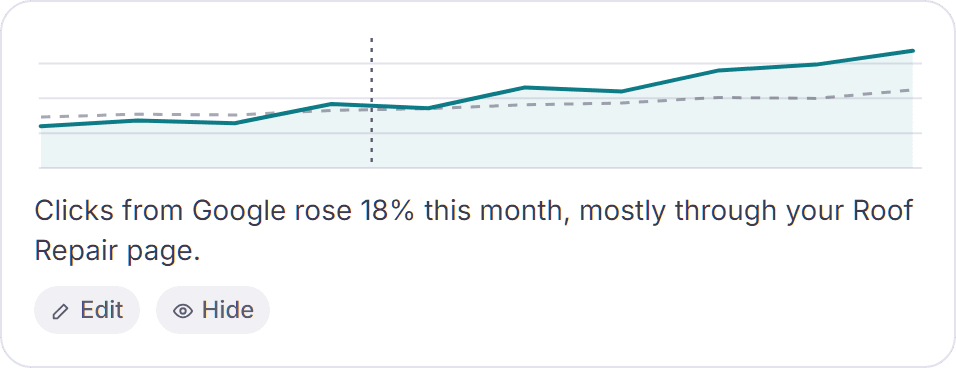
Clicks from Google rose 18% this month, mostly through your Roof Repair page.
Your monthly SEO report, ready in minutes, not a whole evening.
An interactive white label SEO report built from Google Search Console.
- Clients understand it without a call
- Your logo and colors on every page
- Solo, but you look like a big agency
The problem
Monthly SEO reports shouldn't eat your week
You know the routine. Export from Search Console, screenshot the charts, paste them into slides, fix the fonts, write the same explanations again. Then your client skims it once and asks, "So, is it working?"
- Hours of copy-paste that nobody pays you for.
- Charts without meaning. Clients see numbers, not progress.
- Reports that look small next to the agencies you compete with.
A good SEO report should do one job: show your client what you achieved and why next month's work matters. Clients stay with agencies that show them progress, so a clear report is your best client retention tool.
How it works
A white label SEO reporting tool that does the busywork
Automated SEO reports, with you in control: the data, charts and explanations fill in automatically. You check it and press Send.
Sign in with the Google account that has your client sites. Access is read-only.
OWNLYTIX pulls last month's clicks, impressions, average position, top pages and searches, then writes a short explanation under each chart.
Add your logo and colors, check the wording, and send a private link or email. You verify your WhatsApp number once before your first send, so every account belongs to a real person.
Your brand, your report
True white label SEO reporting, down to the cover page
Every report looks like it came from your agency, because it did.
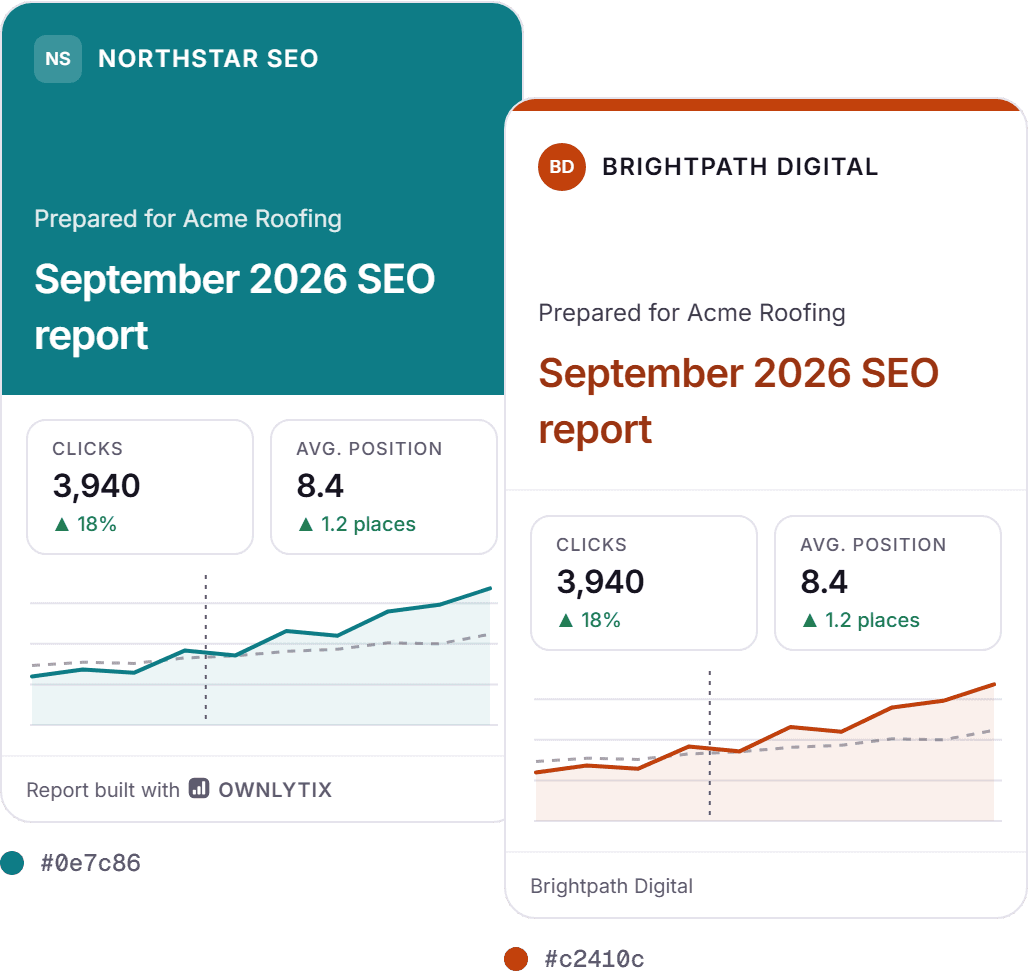
- Your logo and colors, with colors suggested from your logo.
- Three cover styles with your agency name and "Prepared for" your client.
- Your own footer. The small "Report built with OWNLYTIX" label is free to remove.
- Your words: a personal note at the top, notes pinned to dates on the chart, and next steps at the end.
- Save it as your template (during the beta) and every client and month starts from your layout.
That's what clients mean by branded SEO reports: one consistent look, with your name on it, every month.
What's inside each report
A white label SEO report that tells the story, not just the stats
Every report tells your client's organic search performance in the order clients understand: what changed, what you did, what's next.
Your note plus clicks, impressions, average position and CTR
See the free white label SEO report templatePlain words under every chart.
OWNLYTIX writes a short explanation from the data, like "Clicks from Google rose 18% this month, mostly through your Emergency Plumber page." You can edit or hide any of it.
Every number shows its source.
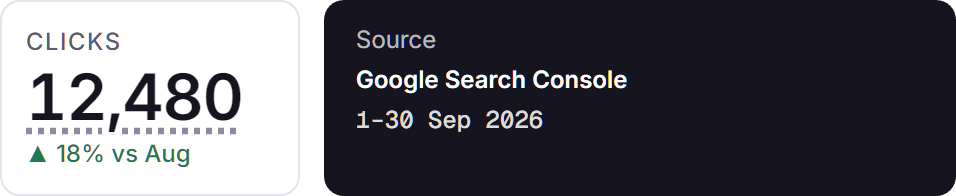
Tap any figure to see where it came from and which dates it covers. Nothing is invented, and estimates are always labeled.
Need custom SEO reports for a particular client? Filter by country or site section, and hide brand searches to show real growth. During the beta, you'll also be able to move, hide or rename any section.
Send it your way
A private link or email. No client login.
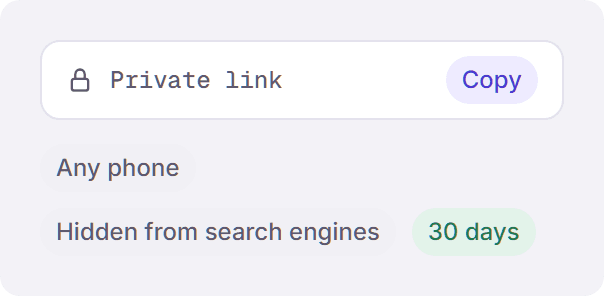
A long, hard-to-guess address that works on any phone and is hidden from search engines. It stays live for 30 days, and you can turn it off at any time. Extending a link for 30 more days arrives during the beta.
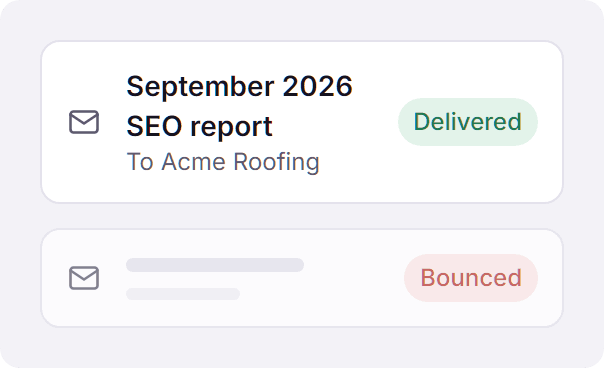
Send it straight to your client, and see when it's delivered or if it bounces.
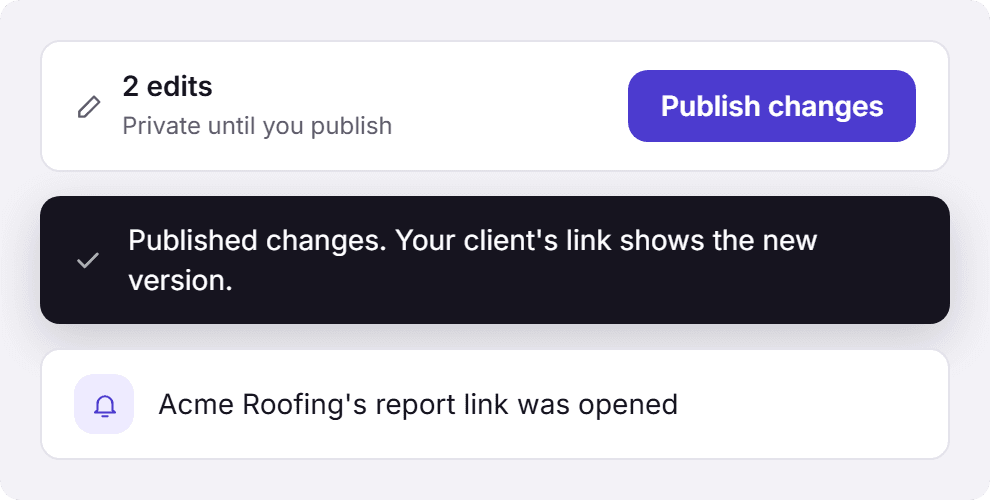
Fix something after sending? Your edits stay private until you press Publish changes. Then the link your client already has shows the new version.
You also get a note when your client's report link is opened, so you know when to follow up.
Pricing
Free during the beta. No card needed.
Per-client reporting tools often charge every month for every client. During the beta, OWNLYTIX costs nothing.
See pricing detailsFirst report free
Founding member beta
$0during the beta
Your first report free, plus up to 10 more you earn. No card, no wallet payment.
- Your first report is free, and founding members can earn up to 10,000 welcome credits (10 reports) while setting up.
- Credits never expire. A report uses credits only when you send it; building, editing, branding and removing our label are free.
- Earn more reports: invite a friend and you both get 3 reports after their first real report.
Who it's for
White label SEO software for freelancers and small agencies
- SEO freelancers who want to look like an agency without hiring a designer.
- Small agencies adding clients without adding reporting hours.
- Local SEOs whose clients are plumbers, roofers and dentists, and who report from Google Search Console every month.
OWNLYTIX is a white label reporting tool that sits on top of the tools you already use. It doesn't replace Search Console, Ahrefs or Screaming Frog; it turns their data into reports your clients understand. See how the SEO reporting software builds each monthly report.
From the founder
Built by an SEO guy who hated reporting day

Let’s be honest: making monthly SEO reports is hell.
Export Search Console. Export Ahrefs. Fight a Screaming Frog crawl. Paste it all into slides. Hours gone, and the client barely opens it.
I hated it. Maybe you do too.
So I built OWNLYTIX. Connect Search Console and your branded report builds itself, explanations already written. You see when your client opens it. Ahrefs and Screaming Frog data are coming next.
Less copy-paste. More SEO. That’s the whole point.
— Zulqarnain Jabbar, founder of OWNLYTIX, Multan, Pakistan
FAQ
Questions about white label SEO reports
What is a white label SEO report?
It's an SEO report that carries your agency's brand instead of the tool's. Your logo, colors and name are on it, so your client sees your work, not ours.
Can I remove the OWNLYTIX name from my reports?
Yes. A small "Report built with OWNLYTIX" label is on by default, and you can switch it off for free.
Is Google Search Console data enough for a client SEO report?
For most monthly reports, yes: it's Google's own record of clicks, impressions, positions, pages and searches. Google hides some rare searches for privacy, so keyword lists say "based on the searches Google shares". You can also add your own notes and goals.
Is my clients' data safe?
Access is read-only, so we can't change anything in Search Console. We never sell data or use it for ads, and Google data follows Google's Limited Use rules. Disconnecting a site deletes its stored Search Console data.
Does my client need to log in?
No. They open a private link on any device.
Is there a monthly subscription?
No. OWNLYTIX is free during the beta: your first report is free, plus up to 10 more you earn while setting up. Credits never expire.
Can I edit a report after sending it?
Yes, for free. Your changes stay private until you press Publish changes, then your client's link shows the new version.
How often should I send SEO reports to clients?
Monthly works for most clients. OWNLYTIX builds each report from the last full month, so every report compares like with like.
Can a better SEO report help me keep clients?
It helps you show the work. A clear monthly report that explains results, lists what you delivered and sets out next month's plan gives clients reasons to stay, and to approve the next piece of work.